Platform Features
Everything you need to document and report faster
DeluxeReport gives field professionals a complete set of tools to go from raw photos and notes to a polished, structured inspection report.
Claim File Creation
Create structured project files with claim number, client info, property address, inspection date, and file type. Every project starts organized.
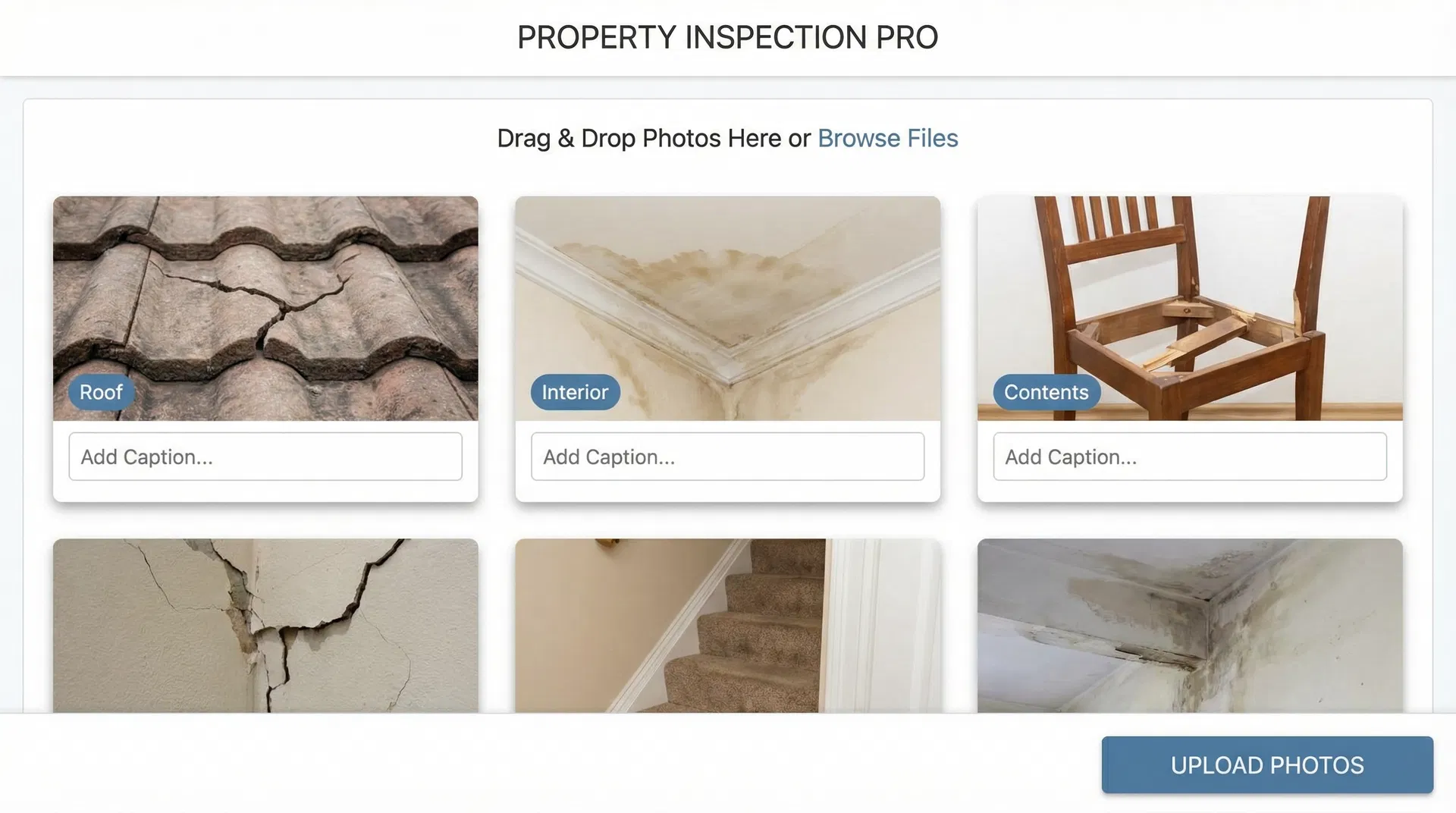
Photo Upload & Organization
Drag-and-drop photo uploads with bulk import support. Photos are stored per project and ready for grouping and captioning.
Smart Photo Grouping
Group photos by room, elevation, roof slope/facet, item, or custom category. Add captions, tags, and mark representative photos for each group.
Observation Drafting
Draft structured observation text for each group. Assign condition categories: Repairable, Replace, No Visible Damage, or Further Evaluation Recommended.
Report Templates
Choose from structured report templates tailored to property damage, contents inspection, roof documentation, and mitigation photo logs.
Branded PDF Export
Export a clean, professionally formatted PDF with your company logo, cover page, project info, itemized findings, and organized photos.
Project History
All projects and exported reports are saved to your account. Access, duplicate, or update any project at any time.
Review & Edit Workflow
A structured review step before export ensures observations are complete, photos are captioned, and the report is ready for delivery.
Photo Organization
Stop hunting through folders for the right photo
Upload all your claim photos at once, then organize them into logical groups. Assign each group to a room, elevation, slope, or item. Add captions and tags. Mark the best representative photo for each group.
- Drag-and-drop multi-photo upload
- Group by room, elevation, slope, or item
- Add captions and observation tags
- Mark representative photos per group
- Reorder and reassign photos at any time